
You want to plan a Kolkata trip without getting lost in tabs, confusing schedules, or sudden festival closures. The city is full of great food, museums, trams, and busy roads, and one wrong plan can waste a whole day. A good AI travel planner can cut that time and make daily routing realistic. A bad one will hand you a neat-looking plan that does not fit Kolkata traffic, Bengali timings, or festival calendars.
Here is how to pick an AI travel planner for Kolkata, what features actually matter, which apps fit different needs, and how to use them so your trip runs smoothly.
Why use an AI travel planner for Kolkata trips
Kolkata is dense and layered. You might want to visit Victoria Memorial, a neighborhood market, a durga puja pandal, and a famous restaurant all in one day. That needs timing and travel mode choices.
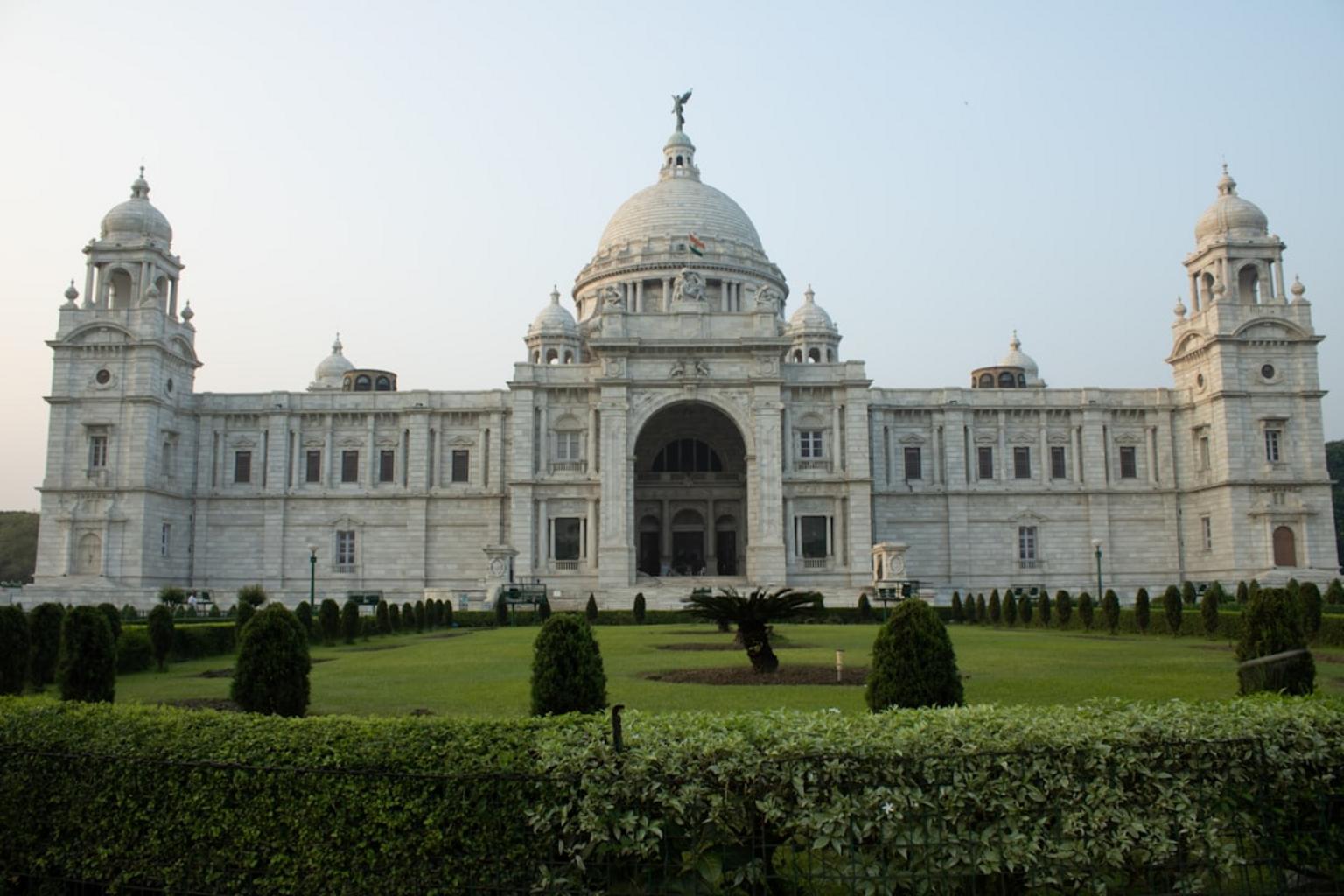
A planner that knows local rhythms can group stops so you avoid crisscrossing the city, suggest when to catch the metro instead of a car, and flag places where queues build up. It will not replace a quick phone call to a venue for last minute checks, but it can save hours of searching and comparing. McKinsey found many travelers felt such tools cut planning time and stress.
Still, tools without live local data can list places that are closed or give wrong hours. Before you leave home, check whether the planner supports Bengali or Hindi, whether it accounts for trams, metros, taxis, and app cabs, and whether you can export the plan or access it offline.
What to check first: language support, transport modes, and export or offline options. If the app cannot show Bengali script or offline maps, keep copies of key addresses in Bengali to show drivers.
Features that matter for Kolkata trips and why
Below are the features that change how useful a planner will be in Kolkata, and why each one matters. Read the short note above the list, then scan the items you care about most.
- Smart day by day itinerary with routing, When it works: If the tool minimizes travel time and sequences nearby sights. When it fails: If routing ignores Kolkata traffic patterns or relies only on walking times. What to check: Does it show travel mode and estimated time between stops?
A realistic itinerary shows estimated travel time by the actual mode, not just a walking estimate. If a plan sends you across Howrah Bridge in the afternoon without a metro alternative, rework that day.
- Group planning and shared itineraries, Useful when you travel with family or friends who want to vote or edit. Not worth paying extra for if you travel solo.
Group features help when people want to vote on dinner spots or swap days. If you are travelling alone, skip paying for collaboration and use a cheaper plan.
- Booking integration for hotels and trains, Works when the planner connects to Indian OTAs or train booking APIs. Caveat: Some tools show prices but do not complete bookings for Indian Railways or local guesthouses.
If you need to book trains, expect to leave the planner for Indian Railways or a known OTA. For hotels, check whether small Kolkata guesthouses appear in the inventory or whether the app only lists big chains.
- Live updates on hours and events, Critical during festival seasons and holidays. Check whether the tool pulls data from live sources like Google Maps or local sites.
If you travel during durga puja or a public holiday, live data can save you a day. But many planners lag on smaller, local events, so double check within 48 hours of a visit.
- Multilingual support and local phrases, English plus Bengali and Hindi make communication easier with drivers and small shops. If you plan to show directions to a tuk tuk driver, offline Bengali labels help.
Even basic Bengali on a map or in saved addresses reduces confusion. If the planner cannot export names in Bengali script, copy important addresses into a notes app.
- Offline access and PDF export, Must have if you expect poor network coverage in older neighborhoods or while visiting river ghats.
Export a PDF and save a map image on your phone. Offline access is a simple way to avoid getting stuck when network service drops.
- Budget planner and local cost estimates, Look for India specific currency and typical prices so you do not undershoot or overspend.
A budget tool that uses local prices keeps lunch and transport estimates realistic. If it uses generic international pricing, adjust numbers up or down based on local menus and cab fares.

Comparing the top tools for Kolkata visitors
These are short, practical profiles to help you pick one or two tools and stop switching tabs.
MonkeyTravel is fast at generating day by day plans, supports group voting, and has a live trip view so everyone in your group sees the current plan. It does not show live pricing or complete bookings, so you will still arrange hotels or trains outside the app.
Mindtrip covers research, itinerary building, and in chat bookings for flights and hotels. It is handy when you want to plan and pay in one place, but the flow nudges toward booking partners. Check whether the hotel inventory includes small Kolkata guesthouses before relying on it.
Layla AI focuses on live pricing alerts and fare tracking. If you are hunting price drops for flights or hotels, it is useful. It is weaker on group features, so it fits solo travelers or couples better.
Wanderlog is map based planning with collaboration, and it lets you import and export itineraries. Families who want a visual route and shared edits will like it. The free tier limits AI help and advanced exports, which are behind a Pro plan.
Google Gemini combines strong live data from Google Maps and flight info. It is useful for checking opening hours, recent reviews, and transit times. It is less suited for shared group planning and some of the local features outside the main market are thinner.
ChatGPT is best at quick research, brainstorming, and cultural tips. Use it for early stage ideas and questions about local etiquette. It does not provide structured, bookable itineraries and can be wrong about opening hours for small shops.
How to use these tools for a practical Kolkata trip
Start with basic research, then move to planning and bookings. That keeps you from locking in a bad plan early.
First, check festival dates, seasonal weather, and any visa notes. Use Gemini or ChatGPT to get a quick read on local norms and durga puja timings, then verify dates on official sources because festival schedules shift.
Next, generate a day by day plan in MonkeyTravel or Mindtrip. Ask the planner to use realistic travel times and to cluster sights by neighborhood. If a day sends you across the city twice, edit it.
For bookings, use Mindtrip or Layla if you want in chat booking and price alerts. Otherwise pick a trusted local OTA or book Indian Railways separately. Keep screenshots or PDFs of confirmations and a backup plan in case a third party booking fails.
Share the live itinerary link or an exported PDF with your group. Use voting for options like breakfast or evening plans, but have a single organiser lock core bookings so people do not double book rooms.
Before you head out, call or check official Kolkata pages for opening hours, ticket information, and holiday closures. Recheck any venue within 48 hours of your visit.
Typical worries Kolkata travelers have, and what to do
Data privacy is a common concern. Read what the app stores and whether it shares data with partners. If you use an Indian payment method, make sure the checkout flow looks secure and that receipts are issued.
Accuracy and trust are another worry. Cross check AI suggestions with official sources, and trust a phone call over a planner when a venue seems uncertain. Hallucinations happen most with smaller, local spots.
Language can be a barrier. If the app lacks Bengali, save addresses and short phrases in Bengali script to show drivers. That usually fixes the problem faster than trying to explain in English.
Last minute changes require a planner that allows live edits or offline access. If you change plans often, avoid tools that lock itineraries behind paywalls.
When to bring in a human: complex multi city trips, special needs, or tight train schedules are areas where a local travel agent still helps. Use the planner draft to save time, then hand it to the agent to polish.
Where Kolkata and India are heading with travel tech
Investment and adoption are rising, and more apps are tying into local OTAs and payment systems. Expect better regional language voice assistants and deeper hotel inventory for small properties. System integrations still vary, so check current feature lists before trusting a single app for live bookings at a small guesthouse.
Sources to scan: McKinsey on AI in travel, and a recent Deloitte consumer travel survey for India market trends.
Short FAQ
Best planner for groups in Kolkata? MonkeyTravel is strong for voting and live shared day views. Wanderlog works well if you prefer a map based editor that family members can all see.
Can planners book trains and local ferries? Not usually in one place. Book Indian Railways separately or use OTAs that explicitly list trains.
Is there offline support? Wanderlog Pro and tools that export PDFs or offline itineraries are the more reliable choices.
How accurate are itineraries for Kolkata? They are useful for structure and ideas, but always verify hours and festival dates before you go.
Conclusion
Use one tool for researching and a second for bookings and on trip coordination. For example, check festival dates and local norms with Gemini or ChatGPT, build a structured plan in MonkeyTravel or Mindtrip, then book essentials through Mindtrip or a trusted OTA. Keep an offline copy of the itinerary in Bengali and English, and recheck any venue within 48 hours of visiting.
A clear next step: try a short mock plan for a single day in Kolkata. See whether the planner clusters Victoria Memorial, a museum visit, and a park logically, and whether travel time estimates match local taxis and the metro. If it does not, cross check the routing and try a different tool before you book anything.